How to put a voice message on a Japanese New Year card with a QR code
Record a short greeting for family, turn the audio link into a QR code and test a printed Japanese New Year postcard before mailing it for January 1, 2027.
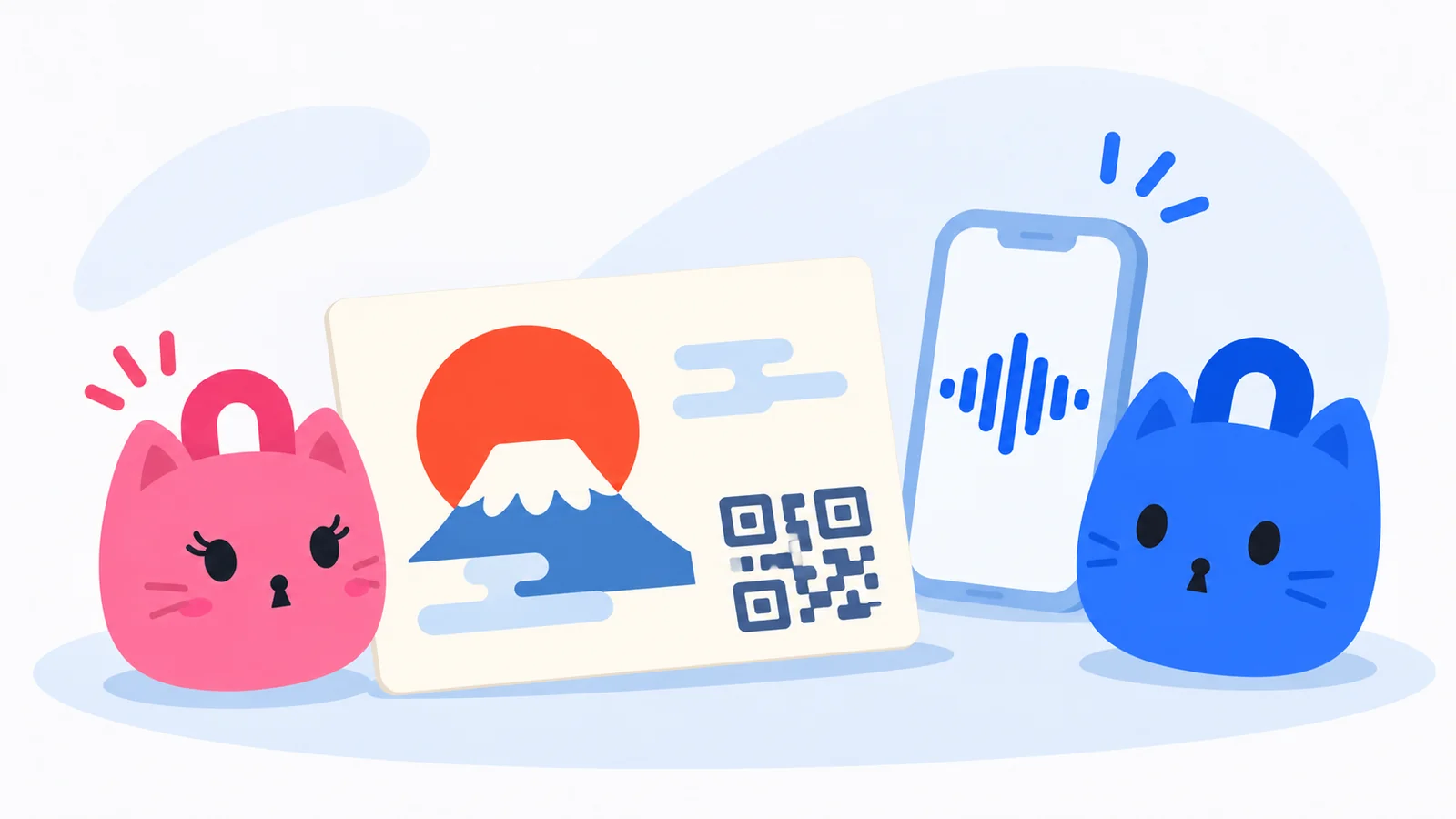
“Grandma, next time I'll roll the mochi by myself.” A family photo on a Japanese New Year postcard, or nengajō (年賀状), can carry a child's voice, too. Record a greeting on your phone and print a QR code that opens the recording. The recipient scans the postcard with their phone camera, opens the audio link over the internet, enters the password you sent separately and presses play.
Video transcript
Send a voice greeting on a New Year postcard.
Tap the mic, record your greeting, then tap stop.
Set a password on the audio link. Make its QR code.
Leave a white border. Test-print one card.
Scan the code on the card. Enter the password you received separately.
Press play to hear the greeting. [Playful cat chatter]
[Chime]
Record one thing you'd like them to hear
Aim for 15–20 seconds. Say who you're speaking to, wish them a happy New Year and add something the two of you did together or hope to do next time. Try these Japanese scripts, replacing the memory with one of your own.
From a grandchild to their grandparents
おじいちゃん、おばあちゃん、あけましておめでとう! この前いっしょに作ったおもち、おいしかったね。また遊びに行くから、今度はあんこも一緒に丸めようね。
“Grandpa, Grandma, happy New Year! The mochi we made together last time was delicious. I'll come visit again. Next time, let's roll the sweet red bean filling together too.”
For parents who live far away
お父さん、お母さん、あけましておめでとう。こないだ送ってくれたゆず、いい香りだったよ。今度帰ったら、また一緒に台所に立とうね。
“Dad, Mom, happy New Year. The yuzu you sent the other day smelled wonderful. Let's cook together again when I come home.”
On the audio creation screen, select Start Recording and allow microphone access. Select Stop Recording when you're done, then listen back. You can change the recording if the first word got cut off. To keep the original on your phone, record it first in your usual voice recorder, save the file and choose the upload option in LOCK.PUB. Check the length and size limits shown in the form. Open the audio creator
Turn the audio link into a printable QR code
- Choose a password for the recording. In the public introduction, write a label such as “A New Year greeting from us.” This text is visible before unlocking, so keep the password out of it.
- If your plan lets you set an expiry date and you choose to use it, leave enough time for relatives who may be away over New Year. Create the audio link.
- Copy the link and paste the full audio URL into the web address field of the QR code generator. Check the preview. A black code on white is a good starting point for print. Open the QR code generator
- Download the PNG. If your postcard software or print shop accepts SVG, you can download that format instead.
Keep a copy of the password and give it to your family in a private LINE chat or over the phone. Beside the printed code, identify the recording and tell them where to find the password.
声の年賀状も作ったよ。スマホのカメラをここに向けてね。合言葉は、いつものLINEに送るね。
“I made a voice card too. Point your phone camera here. I'll send the password in our usual LINE chat.”
Print one postcard at actual size and play it on another phone
Insert the saved QR image on the message side of the postcard the way you would a photo. Leave a white patch beside the greeting or signature. Keep the image proportions and the white border intact when resizing it. DENSO WAVE specifies a clear margin of at least four modules on every side of a standard QR code. A module is one small square in the pattern. The size that works on paper depends on the pattern density and printer, so avoid placing lettering or illustrations over the margin. DENSO WAVE's guide to QR code margins
Print one test copy with the paper and settings you intend to use. Try it on another phone, as your family would.
- Scan the printed card. Read the note beside the code, point the camera at it and tap the link that appears. If it struggles to scan, enlarge the image a little, check the blank border and print another copy.
- Unlock it. Try the exact password you plan to give the recipient. If different households are getting different greetings, check that the recording matches each card.
- Press play. Listen from the opening word to the end. If you make a new recording and it has a different share link, generate a fresh QR image and replace the one in the print layout.
Leave a handwritten greeting on the card as well. Someone opening their mail on a train, or someone who rarely uses a phone camera, can still enjoy your message immediately.
When to mail a nengajō within Japan for New Year’s Day 2027
Japan Post starts accepting New Year cards on Sunday, December 20, 2026. For delivery on Friday, January 1, 2027, it asks senders to post them by Sunday, December 27, if possible. Test the print and sound in the first half of December to leave time for addresses and personal notes. Japan Post's acceptance and mailing dates · Japan Post's 2027 New Year postcard announcement
Create Audio Message
Keywords
You might also like
Free QR Code Generator and Pro Logo Features
Create 12 QR types without signing in and download PNG or SVG. Learn about free lock.pub branding, Pro logos and branding removal, batch ZIPs and saved drafts.
Turn a Photo into a QR Code with Password Protection
Create an image link, customize its QR design and save PNG or SVG. Follow the photo-sharing steps and check current image limits and recipient access.
Beyond Link Locking: The Complete Guide to LOCK.PUB's 11 Secret Content Types
LOCK.PUB is more than just a link-locking tool. Discover all 11 content types: URL Lock, Secret Memo, Encrypted Chat, Secret Poll, Secret Image, Secret Board, Secret Audio, Ask Board, Location, File, and Secure Request.