Password-Protected Links
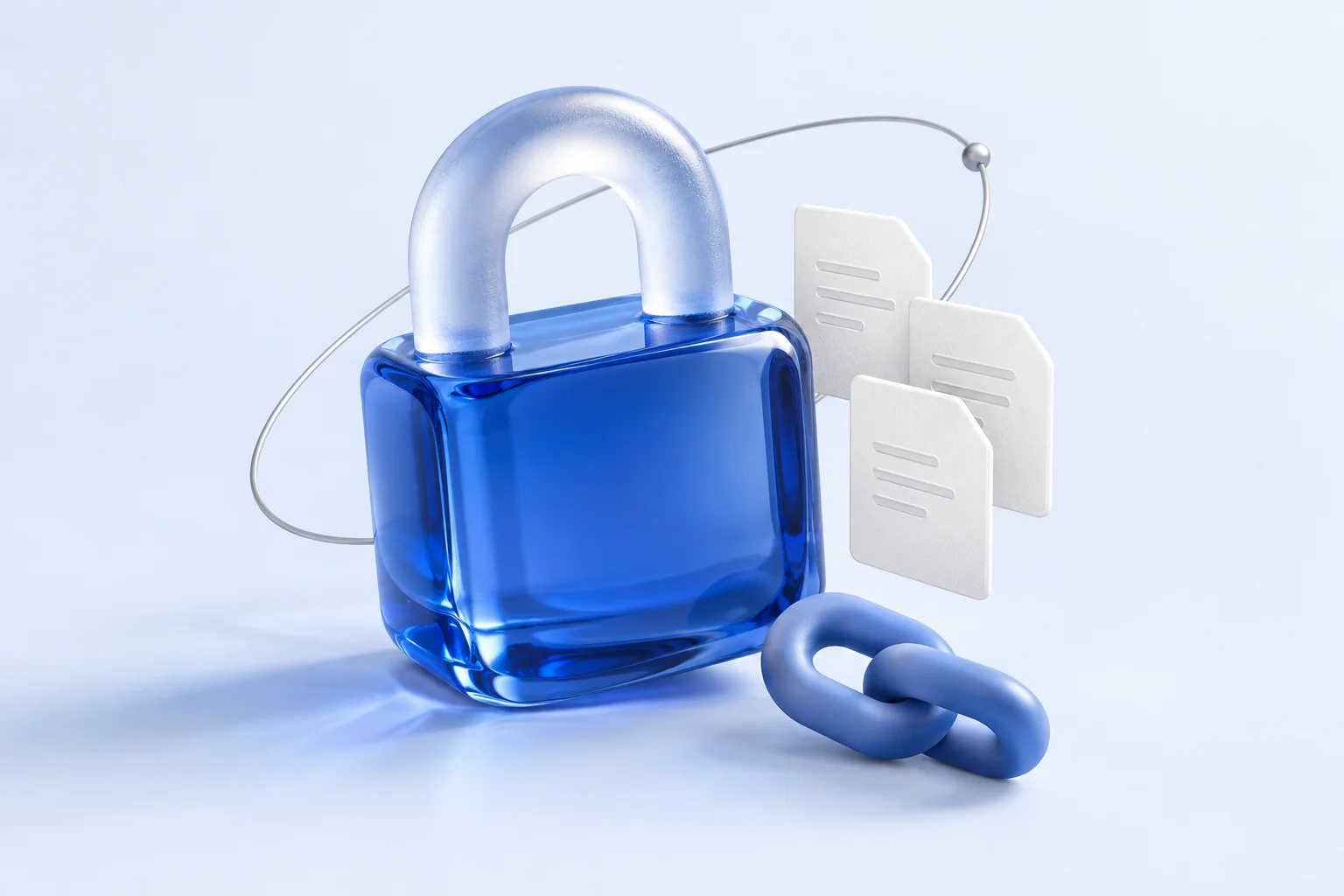
Add a password to any URL so only authorized people can access it. Even if the link is exposed, it cannot be opened without the password.
Password-locked and encrypted
Share documents, notes, and conversations through password-protected links. Send them to the people who need them, with a password required to open the content.
No credit card neededFree plan forever
How it works
A URL, memo, file, image, or a whole room — anything LOCK.PUB supports.
Set a password. Advanced controls, such as expiration and access limits, depend on the tool and plan.
Send the short link through any channel. Only people with the password get in.
Sample page
Open the link, enter the password, then visit the destination.
This is a local demo. Nothing you enter is sent.
The destination is revealed after unlocking.
Built for private sharing
Shorten any URL, set a password, and add expiration or one-time access.
OpenCreate private spaces for conversation and collaboration. Chat messages and board strokes are encrypted in your browser before storage.
OpenCreate one secure link to collect memos, files, images, audio, and instructions. Add a submit password when needed; only the creator can open submissions.
OpenFeatures
Links, memos, chat rooms, polls, images, whiteboards, audio, Ask boards, location sharing, files, and secure requests. Share and collect sensitive content securely with passwords and encryption.
Shorten any URL, set a password, and add expiration or one-time access.
Add a password to any URL so only authorized people can access it. Even if the link is exposed, it cannot be opened without the password.
Create password-protected memos to securely share text-based information. Only people with the password can view the content.
Share images securely with password protection. Photos are encrypted on the server and only accessible with the correct password.
Record voice messages or upload audio files and share them securely with password protection.
Share files securely with password protection. All files are encrypted on the server and cannot be accessed without the password.
Create private spaces for conversation and collaboration. Chat messages and board strokes are encrypted in your browser before storage.
Create anonymous chat rooms. Messages are encrypted in your browser with the room password before they are stored.
Create password-protected polls for private voting. Collect opinions securely with anonymous responses.
Create password-protected drawing boards for real-time collaboration. Strokes are encrypted in your browser before they are stored.
Share your GPS location with password protection. Coordinates are encrypted in your browser before they are stored.
Create one secure link to collect memos, files, images, audio, and instructions. Add a submit password when needed; only the creator can open submissions.
Create a password-protected anonymous question board. Anyone can ask questions, only the owner can answer, and everything is stored encrypted.
Create one secure link to collect memos, files, images, audio, and instructions. Add a submit password when needed; only the creator can open submissions.
A public @username hub for locked links, memos, and files you control.
A public @username hub for locked links, memos, and files you control.
Chat, board and location data is encrypted in your browser before storage. Other protected content is encrypted on our servers. The exact access rules depend on the tool.
Recipients enter a password before continuing to the original site.
Set the original document’s sharing permissions in its own service.
SecurityFAQ
Learn how to share secrets, passwords, and files securely.
Learn how to share a secret, password, private note, file, image, audio, or request with a secure secret link. Use expiration, access limits, and read receipts to keep sensitive information safer.
Compare Privnote with alternatives like OneTimeSecret, Burn Note, Yopass, and LOCK.PUB. Learn which private-note tool fits your workflow, password, expiration, and dashboard needs.
Compare the top OneTimeSecret alternatives including Privnote, Password.link, Yopass, and LOCK.PUB. Feature comparison table, encryption types, and free tier details.
Learn how to send a password securely, choose a sharing method, separate the link and unlock password, and handle expiry, copies and credential revocation.
Learn how to password-protect a ZIP file for free. Step-by-step guides for Mac terminal, Windows 7-Zip, and online tools.
Learn how hidden links work, compare URL hiding with password protection, and create a link that reveals its destination only after unlock.
No credit card. Sign in, create a protected link, and share it when you are ready.