Password Pusher Alternatives: Compare Hosted Sharing and Self-Hosting
Compare Password Pusher with LOCK.PUB for password handoffs: passphrase requirements, one-time access, hosted editions, self-hosting and encryption limits.
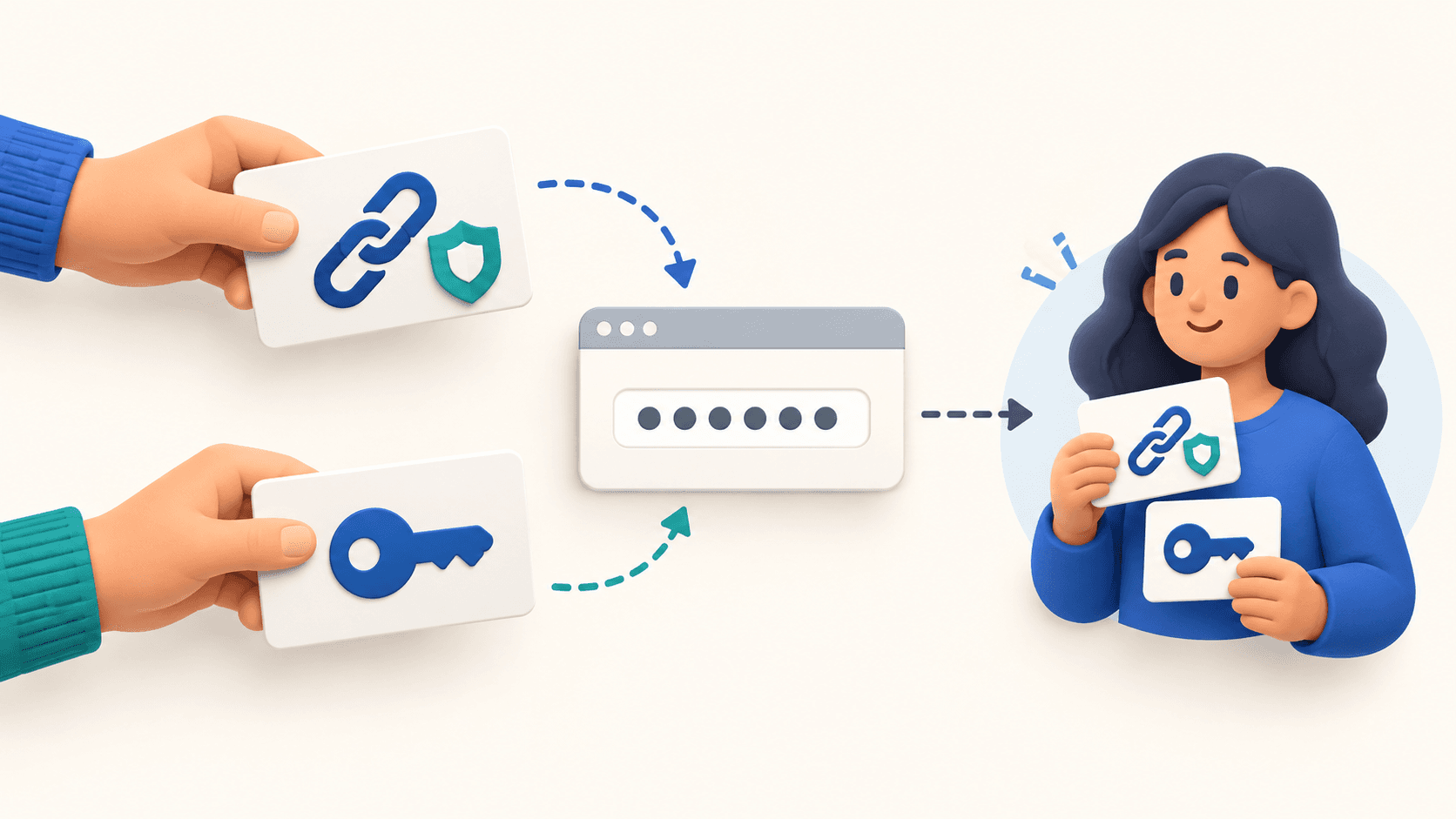
If you need a Password Pusher alternative, start with the requirement that is missing from your current workflow. A separate password gate, self-hosting, team policy and end-to-end encryption are different requirements. LOCK.PUB can suit a browser-based handoff with a mandatory unlock password; it is not a replacement for every Password Pusher deployment.
Compare the edition before the brand
Password Pusher’s edition guide distinguishes hosted Free, Premium and Pro from OSS and commercial self-hosted deployments. It documents team policies for Pro and self-hosting for OSS or Self-Hosted Pro. Do not assume that every feature in the commercial homepage is available in the public free form.
The public oss.pwpush.com text form observed on October 30, 2026 offers a passphrase as optional protection and displays a default of 7 days or 5 views, whichever comes first. Those are observations of that form, not defaults guaranteed for every installation.
| Requirement | Password Pusher | LOCK.PUB memo sharing |
|---|---|---|
| Separate unlock password | Optional on the observed public text form | Required |
| Reopen the text | Depends on configured time and view limits | Ordinary memo is reusable while access remains allowed |
| One successful reveal | Configure the relevant view limit and retrieval options | Explicit One-Time Secret mode blocks further reveals after one successful unlock |
| Custom expiry and view limit | Available on the observed public form; installation policy can differ | Pro in the standard memo creator |
| Self-hosting | OSS or commercial Self-Hosted Pro | This guide covers the hosted LOCK.PUB service |
| Team-wide sharing policy | Documented for Pro | Not a replacement for Password Pusher’s team-policy administration |
When LOCK.PUB is a practical alternative
Choose a password-protected memo when the recipient should receive a link and enter a separately communicated password in a browser. Put the account password in the private body and use a neutral public title. Do not reuse that account password as the link’s unlock password.
For one reveal, One-Time Secret is a separate option: Guest and Free users share one free creation in total, while Pro supports repeated creation. Ordinary memo creation has a different monthly quota—3 for Guest and 5 for a connected Free account across content types; Pro removes that monthly creation limit. Rate limits still apply. Neither option stops a recipient from saving the revealed text.
If you need a new credential first, use the password generator. It generates locally in the browser. Copy the result, open the memo creator, and paste it into the private body; the generated value is not carried in the navigation URL. Nothing is published until you submit the memo. Store your own copy in a trusted password manager.
When to keep Password Pusher or choose another model
Keep or evaluate Password Pusher when self-hosting, deployment-specific policies or its documented team administration is the deciding requirement. For recurring shared credentials, a managed vault or delegated account access may fit better than separate notes. Prefer an individual invitation over sharing a personal login whenever the original service supports it.
If you require end-to-end encryption, inspect a product’s documented threat model rather than a padlock icon. Password Pusher’s security documentation says it does not provide custom client-side encryption with a key unknown to the service. LOCK.PUB’s ordinary memo flow also sends the text and unlock password to the server over HTTPS and processes plaintext during storage encryption and unlock. This comparison does not classify either memo flow as end-to-end or zero-knowledge encryption.
Questions before switching
Does one-time access delete every copy?
No. Closing a link limits later access through that link. It does not recall screenshots or text the recipient saved. Password Pusher describes its own retention behavior in its documentation; that is not a deletion guarantee for LOCK.PUB or for recipient devices.
Does an expired sharing link revoke the password?
No. Revoke a temporary key or change the account credential at the original service when its authorized use ends. A note’s access limit does not control the account the password belongs to.
Is sending the link and password separately MFA?
No. Separate delivery can reduce exposure to one leaked message, but it is not formal MFA and does not protect both pieces on a compromised device.
Use the sharing-method guide to choose a workflow and the password-sharing checklist before sending.
Create Memo
Create MemoKeywords
You might also like
TinyURL vs LOCK.PUB: Short Links or Password-Protected Links?
Compare TinyURL and LOCK.PUB for public short links and private sharing. Understand passwords, free limits, analytics, editing and what a protected URL cannot revoke.
How to Share Passwords Securely: 4 Practical Methods Compared
Learn how to send a password securely, choose a sharing method, separate the link and unlock password, and handle expiry, copies and credential revocation.
Google Forms File Upload Without Sign-In: What Actually Works
Why Google Forms requires sign-in for uploads, which alternatives accept files without registration, and how to set up a small file request.