Google Drive Link Leaked? Revoke Access and Check Sharing
Sent a Google Drive link to the wrong person? Restrict access, remove direct and inherited permissions, and check what revocation cannot undo.
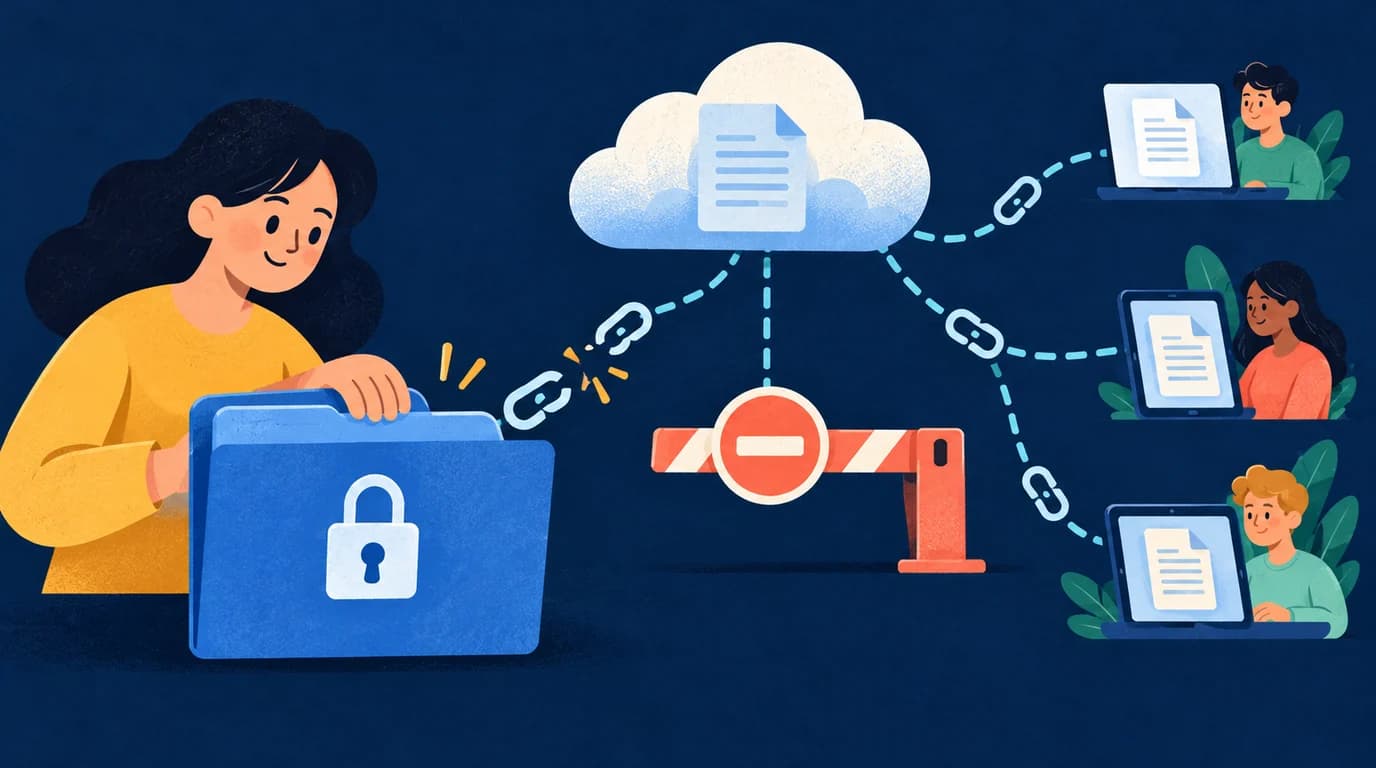
A project folder link lands in a public group instead of a private conversation. Before making another link, check what the original URL permits. A leaked URL does not automatically mean an account was compromised, but a file available to anyone with the link needs prompt attention.
First, close the access paths
Use the account that owns the file or can manage its permissions. On a computer:
- Find the affected file or folder in Google Drive and open Share. Check the exact item; similarly named copies can have different permissions.
- Under General access, select Restricted, then Done. This closes broad link sharing; it does not remove every named recipient.
- Reopen Share. Use the menu beside an unintended direct recipient to choose Remove access, then save.
- Inspect groups and permissions inherited from ancestor folders. Removing a direct grant is insufficient if the same person can still enter through another route.
- If Drive sends you to the parent folder, review its recipients and general access. Changes may affect other files and collaborators; ask the owner or administrator if you cannot safely change them.
- For a shared drive, ask its manager to check membership and applicable folder controls. A file-level change does not necessarily remove drive membership.
- If Docs, Sheets, or Slides was separately published to the web, stop that publication too. The published version is a different access path.
- Remove the misplaced message where possible and tell intended recipients which link to use. Deleting a message alone does not revoke file access.
See Google's guides to changing sharing and file permissions. Available controls and labels vary by account and administrator policy.
Test the right identity
Open the original URL in a private window signed out of Google. A sign-in or access-request screen helps check anonymous access. It does not prove that a previously authorized account has lost access.
Ask the affected recipient to reload while signed in to the relevant account, or use an authorized test account with the same access path. Do not ask for their password. Separately confirm that intended collaborators retain needed access. Record the item, change time, and result without copying confidential content into your notes.
What revocation cannot undo
Permissions control subsequent access through Drive. They cannot recall downloads, screenshots, copied text, or independently created copies. Download and copy restrictions are useful, but cannot prevent every way of capturing visible content.
If passwords, API keys, or recovery codes were included, replace or revoke them through the issuing provider and update legitimate users. A new sharing URL does not change an exposed credential. For organizational material, follow your existing incident process.
Share more carefully next time
Keep sensitive files Restricted and invite specific accounts with the least access needed. Check the parent folder first. Use a sharing expiration where supported.
For future distribution, create a password-protected link to add a gate before redirection. LOCK.PUB does not change Drive permissions: someone who knows the original URL can bypass that gate if Drive permits access. Wrapping an already leaked URL does not repair its exposure.
Frequently asked questions
Does copying the link again create a new private URL?
Copying the same item's link is not a permission reset. Review access settings and test the original URL after your changes.
Will a wrapper password fix a leaked Drive link?
No. Fix access in Drive first. A wrapper governs visits through that wrapper; it cannot retroactively protect the original URL or previously copied content.
Related guides
Create link
Create linkKeywords
You might also like
How to Set an Expiration Date on Google Drive Sharing
Set temporary access in eligible work or school accounts, close sharing manually on personal accounts, and understand what an expiring link can protect.
Can You Password Protect Google Sheets? Sharing and Sheet Protection Explained
Keep formulas safe from edits and private data away from unwanted readers. Learn what Google Sheets protection, restricted sharing, and password links actually do.
How to Password Protect a Google Doc (2026 Guide)
Google Docs doesn't support password protection natively. Learn practical workarounds to secure your documents, from share settings to password-protected links.